Plant Tags
A journal for every plant you own.
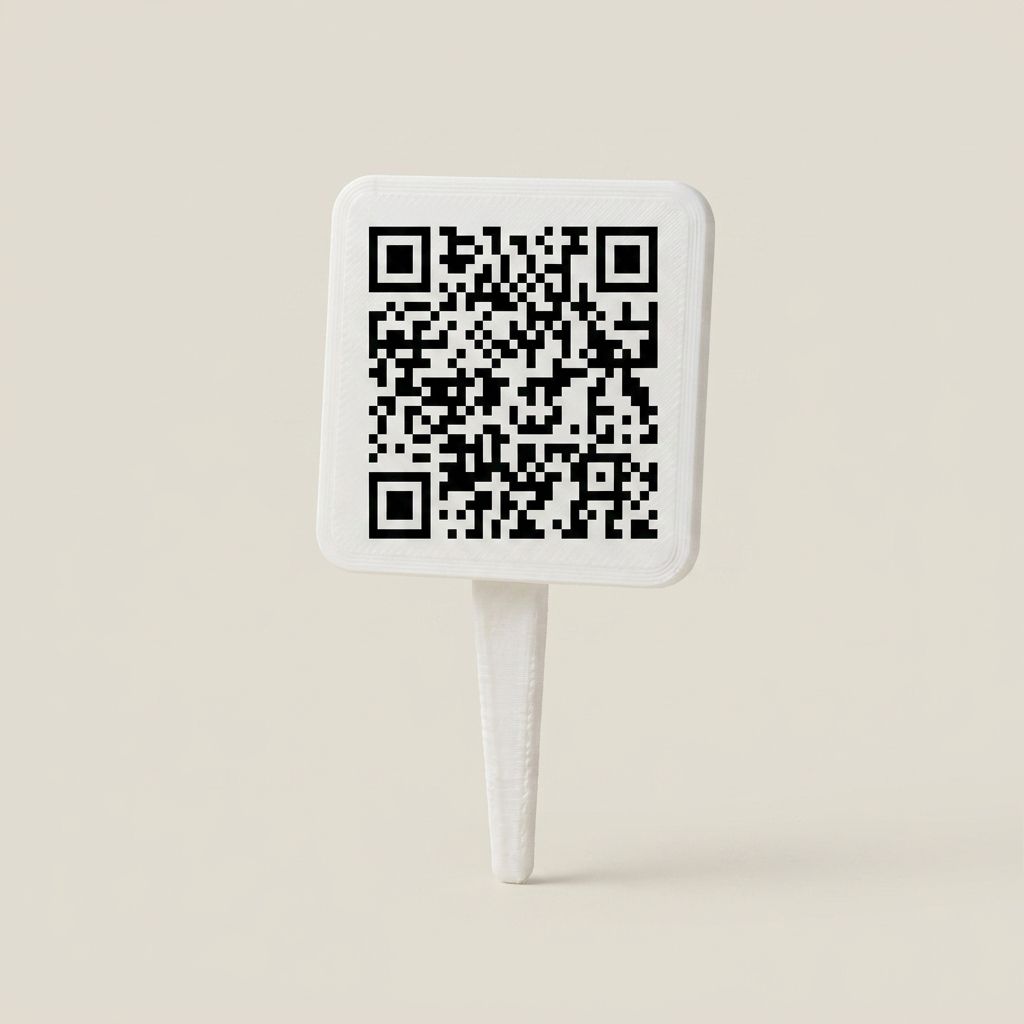
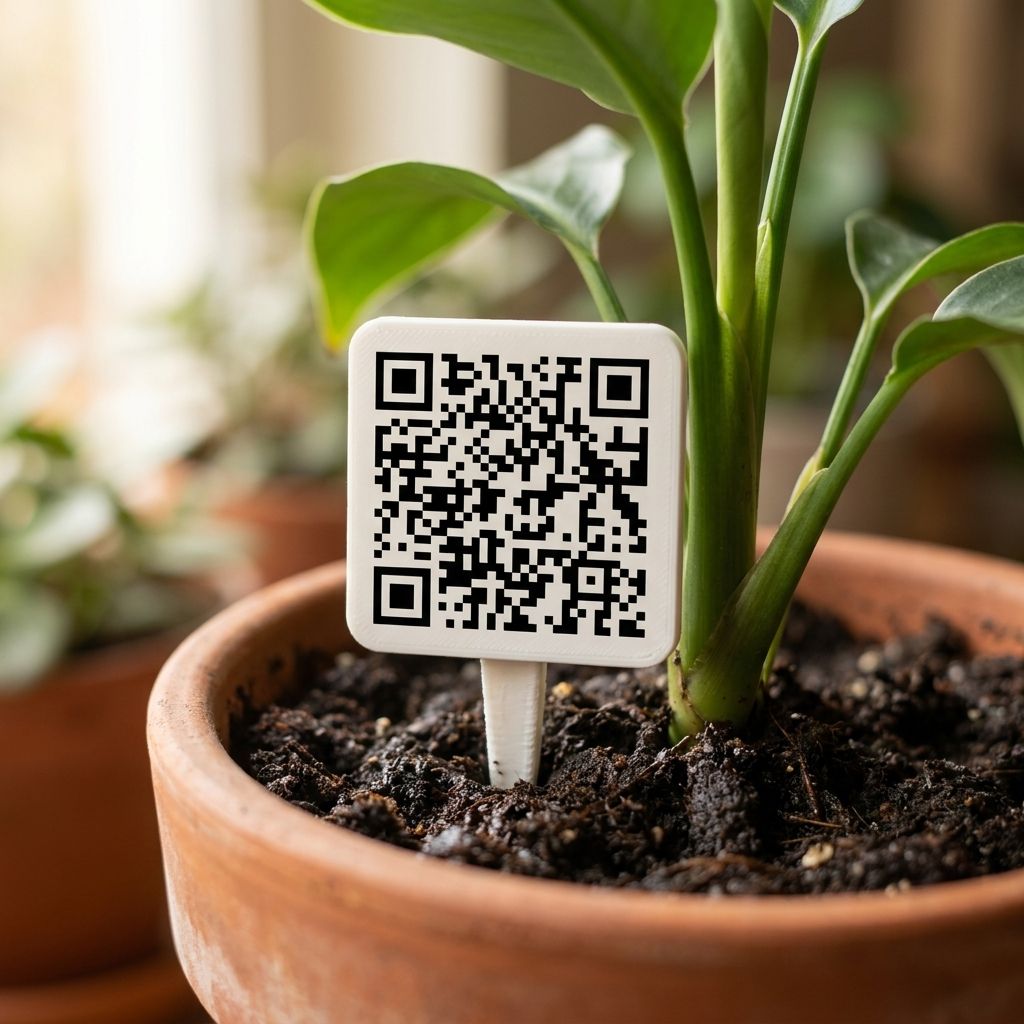
Press a weatherproof tag into the soil. One scan opens that plant's journal: what it is, when you got it, every watering and feeding, every photo, and how much it has grown since. No terrarium needed, and no hardware at all.
How it works
Four steps, then it grows from there.
Nobody remembers the last feed, what the shop label said, or how tall it stood in spring. This makes writing it down quick enough that you actually do it, standing right there at the pot.
- 01
Plant it
Push the tag into the soil beside your plant. That is the whole installation.
- 02
Register it
Point your phone camera at the code and the tag is yours. It opens in the browser, so there is nothing to install.
- 03
Name it
What it is, what you call it, when you got it, how big it was. Choose the species from the library, or type your own.
- 04
Check in on it
Scan it when you water, feed, repot, or simply want a photo. Each visit takes seconds and adds to the journal.
The journal
A journal that sorts itself.
The tag is only the way in. Behind it sits the journal: months of care, photos and measurements, already sorted, already dated, and only ever one scan away.
What you log
- Care
- Watering, feeding, repotting, pruning. One tap each.
- Photos
- Add a photo to any entry, so the record is visual as well as written.
- Measurements
- Height over time, whenever you remember to take one.
- Notes and milestones
- First flower, a move between rooms, a holiday it survived. Whatever you want to remember.
What it works out
- Growth
- Your measurements plotted, so a slow year is obvious in a glance.
- When to water next
- Counted from your interval and the last time you actually logged it. It tells you when it is due, not on a fixed schedule.
- Its whole timeline
- Every entry in order, from the day you put it in.
What stays
- Nothing is deleted
- A plant that dies is archived, not erased. The record and the photos remain.
- Move a tag on
- From the app, a tag can be reassigned to another plant when you need to.
vIQ
Journaling, with intelligence inside.
vIQ is the verdIQore AI agent, and it works on tagged plants anywhere, with hardware or without it. It runs on vIQ-Iris™, our proprietary AI model.
You can read more on the App & vIQ page.
- Take a photo, it does the naming
- Take a photo with your phone, in the app or straight from the browser, and vIQ tells you what it is and opens its journal for you. No typing latin names off a shop label.
- It watches it grow
- Photos taken over months become a record of how the plant has actually developed, instead of how you remember it.
- It notices when something changes
- It keeps watch on the key health indicators and flags anything out of the ordinary. It tells you what it has seen. What to do about it stays your call.
- Worried about something? Ask
- Take a photo of the leaf you are unsure about and ask in plain language. It has read the journal too, so it knows when you last fed that plant and what it has been through.
Where it works
It works wherever your plants do.
Windowsill, garden bed, greenhouse, hydroponics, or inside a verdIQore terrarium. If it grows and you want a record of how it has been doing, a tag does the job.
-
In a pot
The windowsill collection, the ones that have moved house with you twice.
-
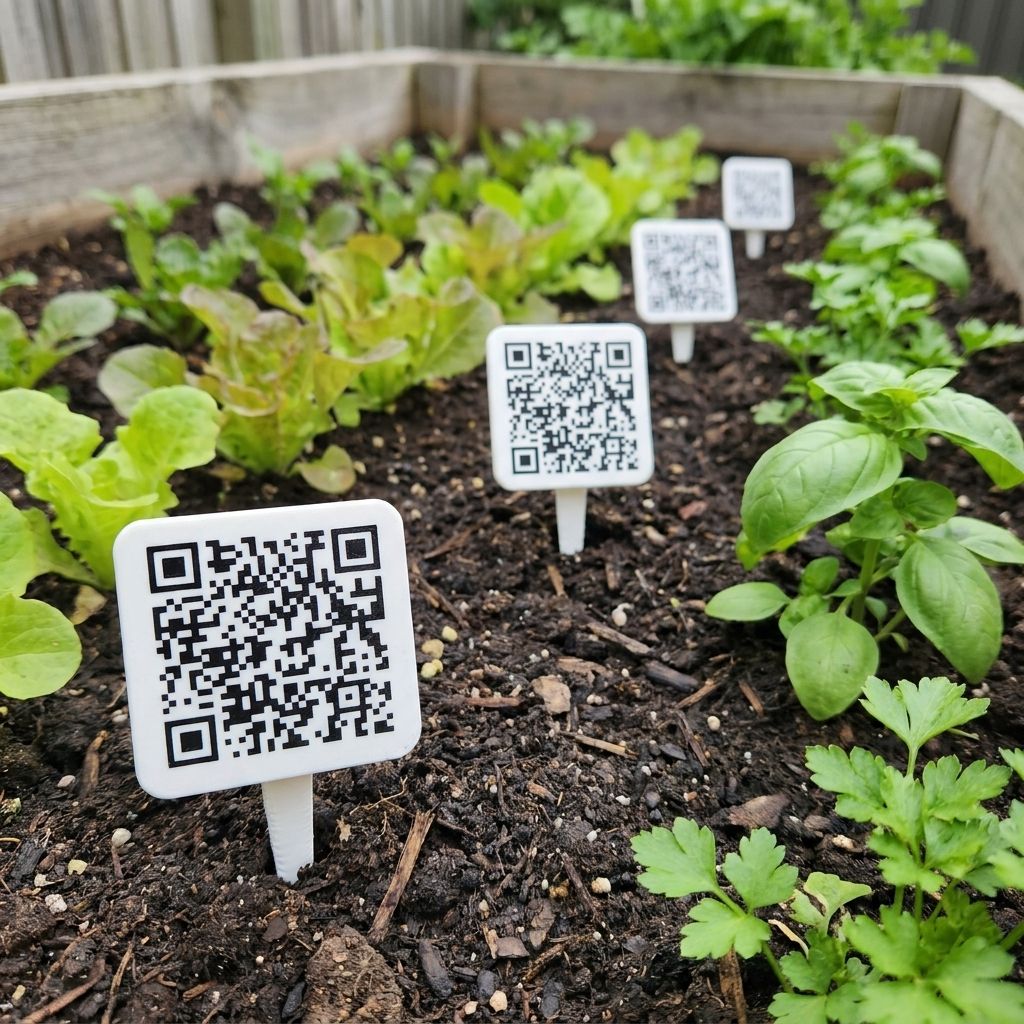
In the ground
Beds and borders, where the label always fades and you lose track of what you planted.
-
In hydroponics
Where no shop label exists to lose in the first place.
-
In a terrarium
Each plant inside a verdIQore terrarium can carry a journal of its own too.
Made to stay out there
Weatherproof, and solid all the way through. Rain, sun and frost are all fine. It goes in the soil on its own spike, so there is nothing to mount and nothing to tie on.
Nothing to peel off
The code is part of the tag itself, set into the material rather than printed on a sticker on the front. Wipe the soil off and it reads exactly as it did on day one.
Outdoors
A row at a time, all season.
Tag the whole bed in an afternoon and come autumn you will still know what went in where, long after the labels you wrote in biro have given up.
Sharing
Private to start. Public only if you say so.
Anyone can scan a tag. That does not mean they can read it. The record behind it is yours, and it stays shut unless you open it.
- Off unless you turn it on
- Every record starts private. You choose sharing plant by plant, so one being public says nothing about the rest.
- Share it with whoever you like
- Make a plant public and anyone you send it to can follow how it is doing: the photos, the growth, the whole history. No account, no sign-up, no app. They scan it or tap a link and there it is.
- You choose how much shows
- A shared plant shows the species, its age and how it has grown. What you have named it stays yours unless you say otherwise.
Packs
Sold in tens, twenty-fives and fifties.
Most people underestimate how many plants they own. Count them, then pick the size from that.
-
10
A shelf, a windowsill, the plants you actually care about.
-
25
A serious collection, or a whole room.
-
50
A greenhouse, a garden, or a nursery that has lost the plot.
Every tag is one of a kind
No two carry the same code, so each one belongs to exactly one plant and one journal. Retire a plant and you can pass its tag on to whatever takes its place.
They work with the rest of it
Tag the plants in your terrarium system as well, and each one keeps its own journal next to everything the terrarium is already doing for them.
FAQ
Frequently asked questions
Do I need a terrarium to use these?
No. The tags work on their own, on any plant, anywhere. A pot on a windowsill, a shrub in a bed, a hydroponic setup. The terrarium system is a separate product and the tags do not depend on it.
Does the person scanning it need an account?
No. If you have made a plant public, whoever scans the tag simply sees it. Nothing to install and nothing to sign up for.
Is my plant journal public by default?
No. Every journal starts private, and you decide sharing one plant at a time. Making one public says nothing about any of the others.
Do I have to look up what my plant is?
No. Photograph it and vIQ identifies the species and writes it into the journal. You can always type your own name for it instead, and whatever you call it is what you will see.
What does the AI actually do with my photos?
It identifies what the plant is, tracks how it has grown over time, and keeps watch on the key health indicators so it can flag anything out of the ordinary. It reports what it has seen and leaves the decision to you. It does not diagnose.
Can they go outside?
Yes. They are weatherproof and the code is part of the tag rather than a sticker on the front, so there is nothing to peel or fade. Rain, sun and frost are all fine.
What if a tag gets too dirty to scan?
Wipe it. The code is part of the tag rather than printed on a label, so it does not wear off or fade. Your plants are all listed in the app as well, so scanning is the quick way in, not the only way.
What happens when a plant dies?
The journal is archived rather than deleted, so the photos and history stay. From the app, the tag itself can be reassigned to another plant.
How many come in a pack?
Packs of 10, 25 and 50. Most people find they own more plants than they thought, so count them first.
When can I get them, and how much?
Pricing has not been announced yet. Join the waitlist and you will hear the moment they are ready. No payment is taken and nothing to cancel.
Coming soon
Have it at home.
Add your email and you will be first to know when we launch. No payment, no obligation, and nothing to cancel.
Want to tell us a bit more? Say what you hope to grow.
Patent pending · Designed in Canada